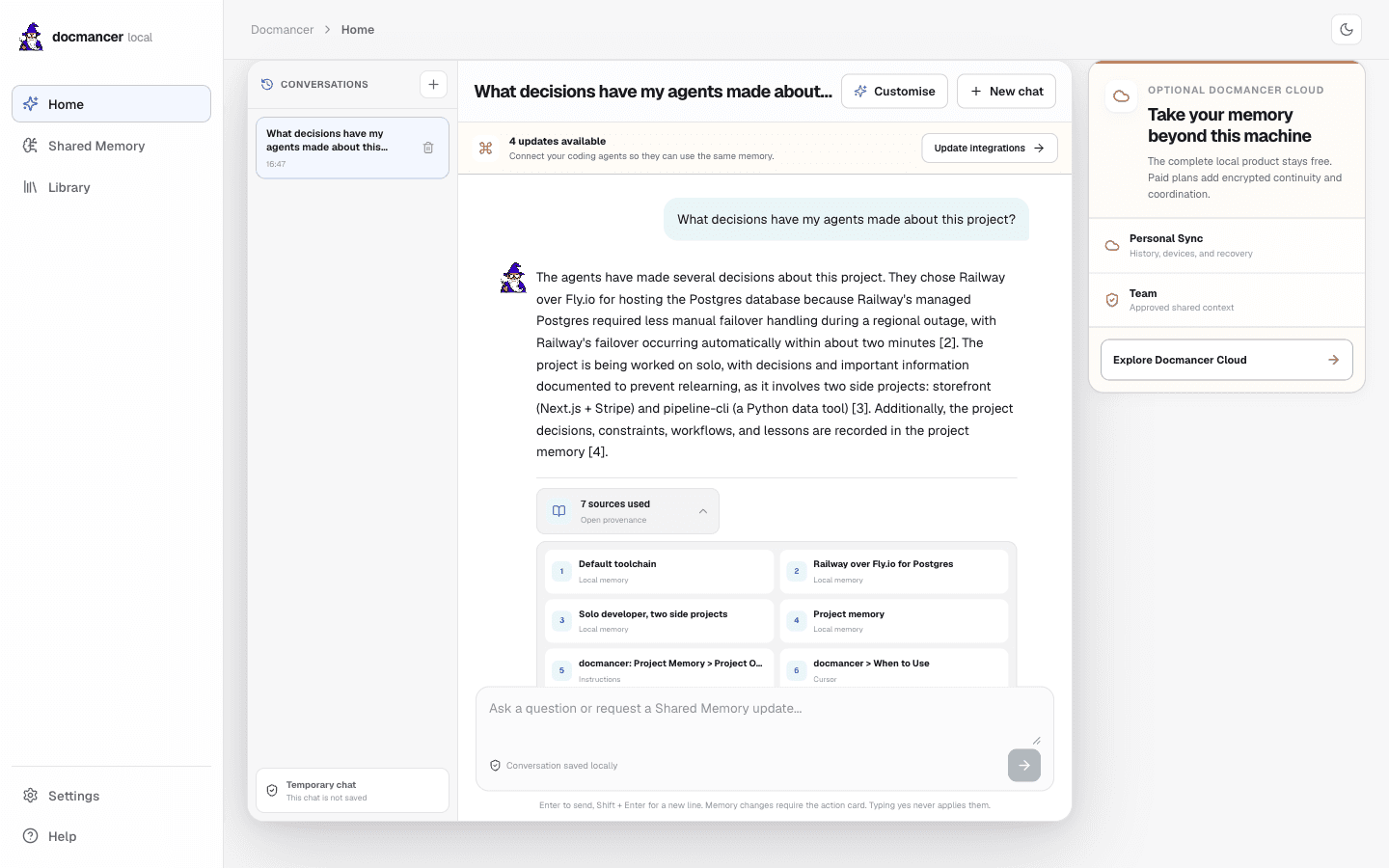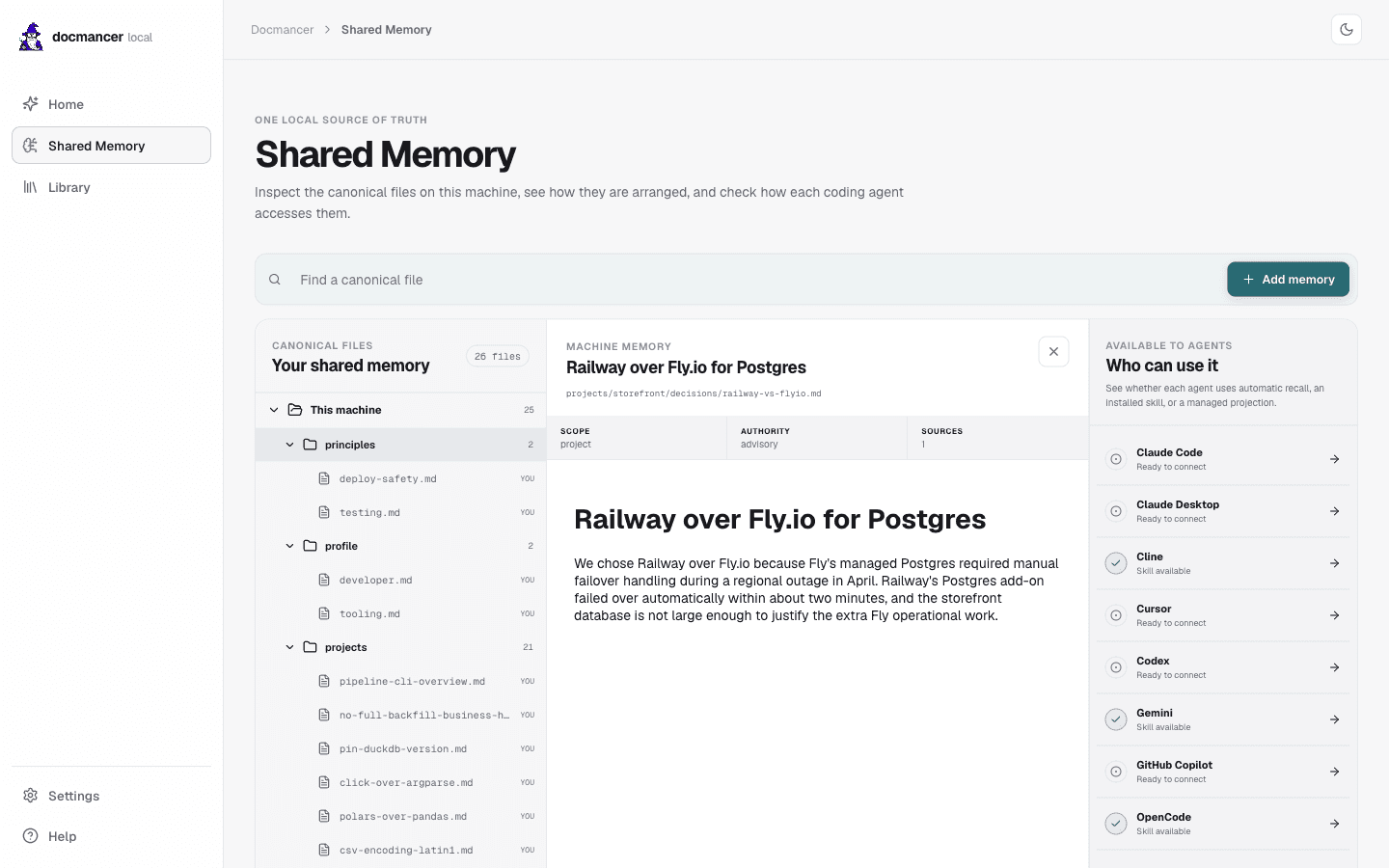
Your docs in. Smarter agents out.
Docmancer is a local-first retrieval engine for coding agents. Point it at your docs (folders of Markdown, PDFs, or a docs site) and it builds a search index on your machine. Your agent asks questions in plain language and gets answers back with sources attached. No cloud round-trips, no embedding bills, nothing leaves your laptop.

Works with
Features
Built for serious retrieval. Local by default.
01 · Stays local
Your documents never leave your machine.
Embeddings run locally with FastEmbed. The vector store is a docmancer-owned Qdrant binary under your home folder. No cloud calls during ingest or query, no API key required, no surprise bills at the end of the month.
02 · Search that actually works
Three ways to find a passage, fused into one.
Keyword search misses paraphrases. Pure semantic search misses exact terms and rare words. Docmancer runs lexical (SQLite FTS5), dense (FastEmbed vectors), and sparse (SPLADE) signals in parallel, then fuses them with Reciprocal Rank Fusion so the right passage rises to the top.
03 · Reads almost anything
Markdown, PDF, DOCX, or a docs site.
Drop a folder of Markdown, PDFs, Word docs, RTF, or HTML. Or point at a docs URL and docmancer figures out the rest. GitBook, Mintlify, generic web pages, and GitHub READMEs are all recognised and normalised into the same index.
04 · Answers with receipts
Every result carries its source.
Results come back as a token-budgeted context pack with file paths or URLs attached, so your agent (and you) can verify what it is grounded on. Add --explain to see which signal placed each hit, and inspect the extracted Markdown on disk whenever you want.
05 · Drops into your agent
Your editor already knows how to call it.
One command auto-detects your installed agents and writes their skill files. Claude Code, Cursor, Codex, Cline, Claude Desktop, Gemini, GitHub Copilot, and OpenCode all learn to call docmancer query directly from the conversation loop. No config to copy, no MCP plumbing to remember.
Process
How it works.
Three commands take you from a fresh terminal to a coding agent that can actually look things up in your docs. About three minutes, no API keys.
Install
One pipx command pulls docmancer. Run docmancer setup once and it creates your local index, downloads the embedding model, and wires up the agents already installed on your machine.
$ docmancer setupIngest
Point docmancer at a folder of files or a docs URL. It chunks the content by heading, embeds each section locally, and writes it into your hybrid index. Re-run any time the source changes.
$ docmancer ingest ./docsAsk
Your agent now has a new tool. Ask a question in plain language and get a compact, source-attributed answer back. Add --explain when you want to see why each result was chosen.
$ docmancer query "auth flow" --explainFAQ
Questions, answered.
Nowhere. Ingest, embedding, indexing, and query all run on your machine. Embeddings use FastEmbed locally; the vector store is a docmancer-owned Qdrant binary under ~/.docmancer. The optional OpenAI, Voyage, and Cohere embedding providers exist if you want them, but the default path makes no outbound calls.
Stop pasting docs into your agent.
One pipx line. About three minutes. Your docs stay on your machine, your agent gets a tool it can actually search them with.